


Help
How can we help?
Login
Open a Barion Wallet
Top-up
Send money
Receive money
Open and manage a shop
Limits for organizations
Bank transfer, withdrawal
Close your account
Other questions related to Barion Wallet
Pricing Plans
Login
Need more help?


Contact helpline
(06 1) 464 7099Availability:
Monday:10:00-16:00
Tuesday:10:00-16:00
Wednesday:10:00-16:00
Thursday:08:00-20:00
Friday:10:00-16:00

Back
What if I need to delete an authentication method?
This is how you can remove a mobile device that has been set up as an authentication method if it has been stolen, sold, lost, or you simply no longer use it:
- Log in to your Barion Wallet online.
- Click on the profile icon in the upper-right corner, then select “Security” in the drop-down menu.
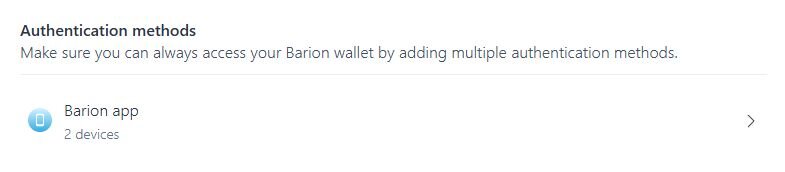
- Click on the “Barion app” button:
- Select an authentication method and authenticate yourself to access your authentication settings.
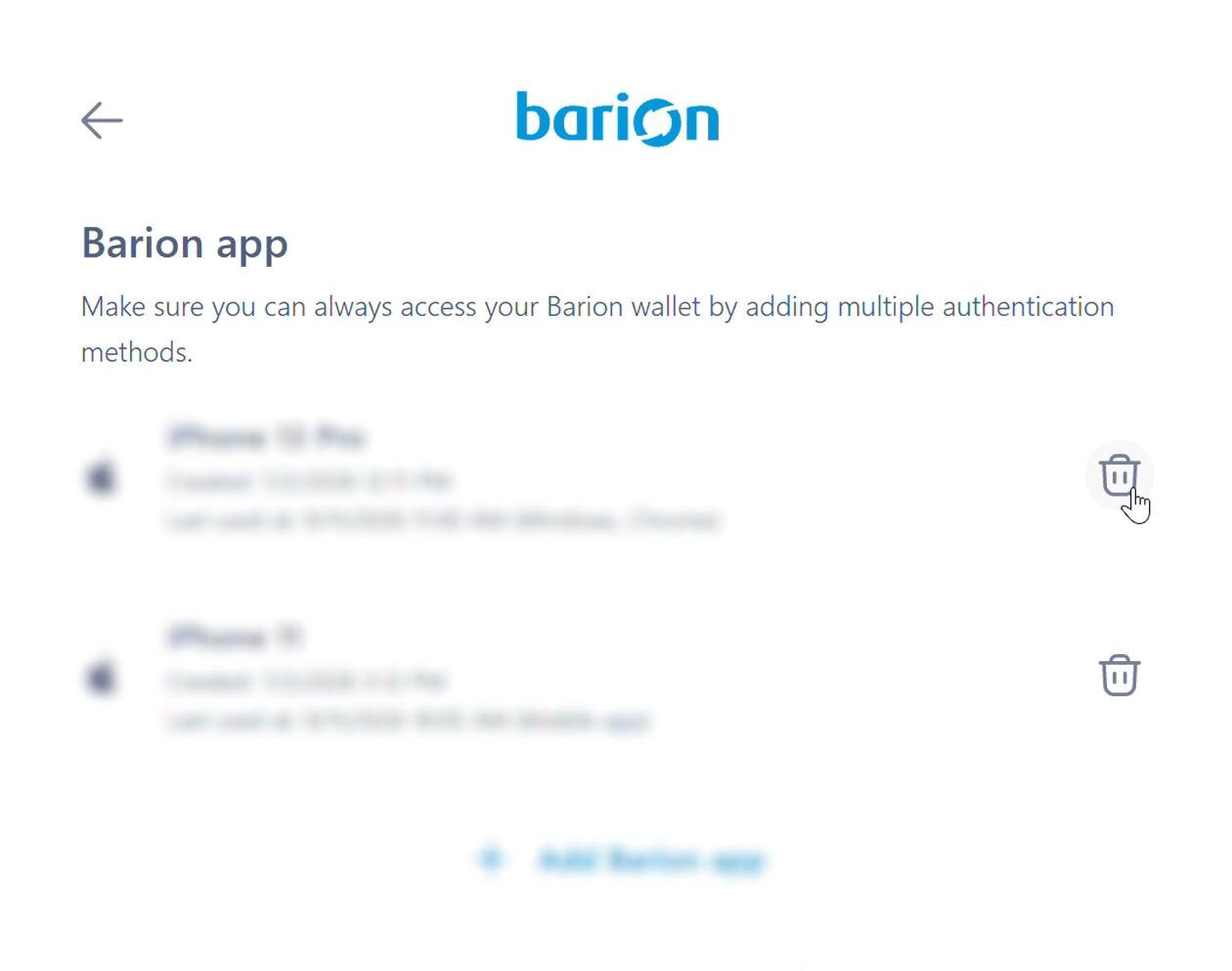
- Click on the bin icon next to the authentication method you'd like to remove:
- Confirm by clicking the “Delete” button that you want to remove the selected authentication method.
- You will no longer be able to log in to your Barion Wallet using the Barion app on the deleted mobile device.
You need to have at least one active authentication method, so you won't be able to delete the last remaining one in the list.
If you change your mind later, you can add the same mobile device as an authentication device again—you can start this process from your browser or from your Barion app.

 Facebook
 Discord dev community
 @BarionPayment

 EU Licensed & Regulated Financial Institution